
Joyagoo
Spreadsheet
A Joyagoo spreadsheet for looking closer. Explore footwear, clothing and accessories through product photos, reference prices, available QC and source-matched links.
Find something worth a closer look
Spreadsheet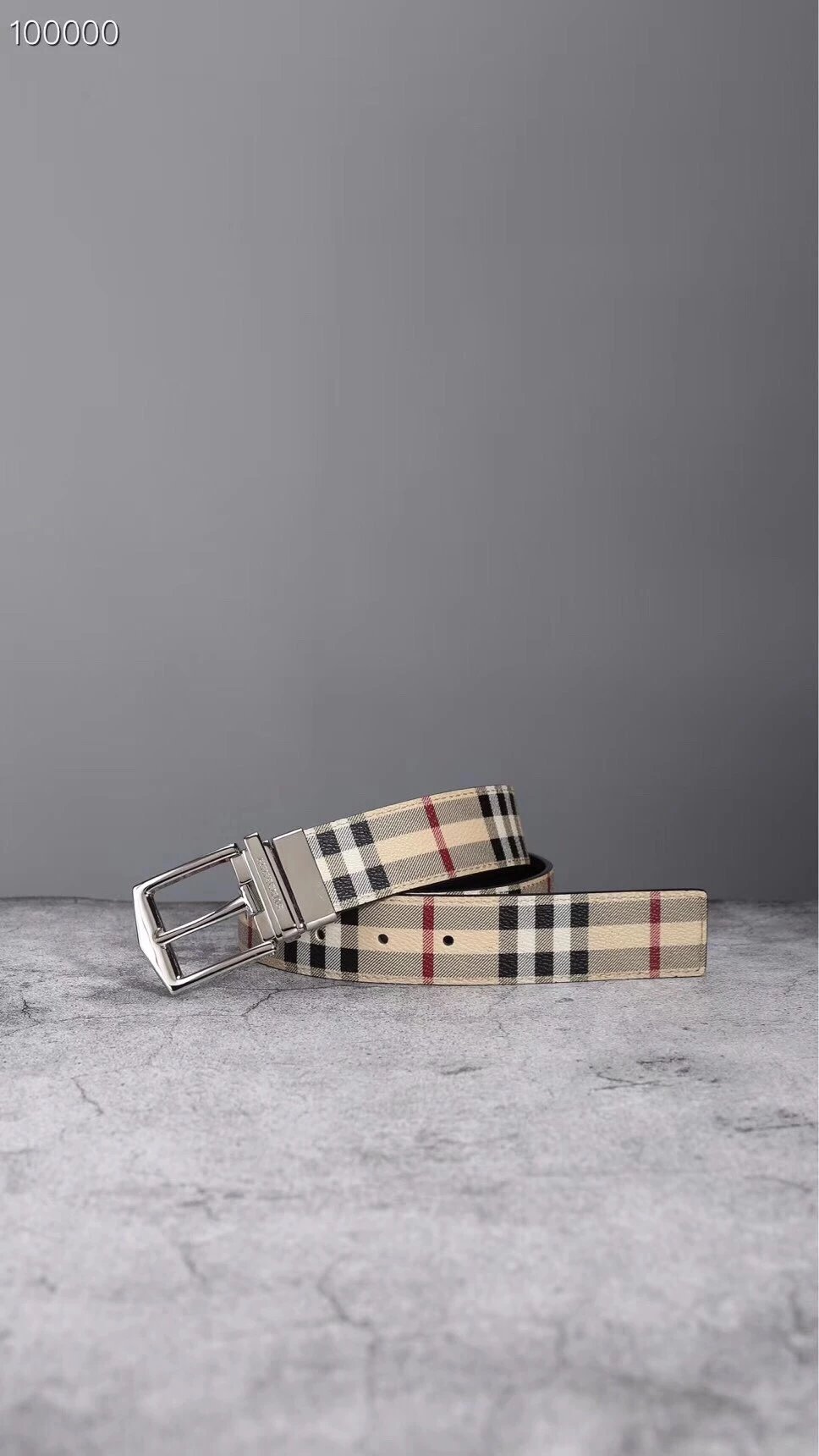
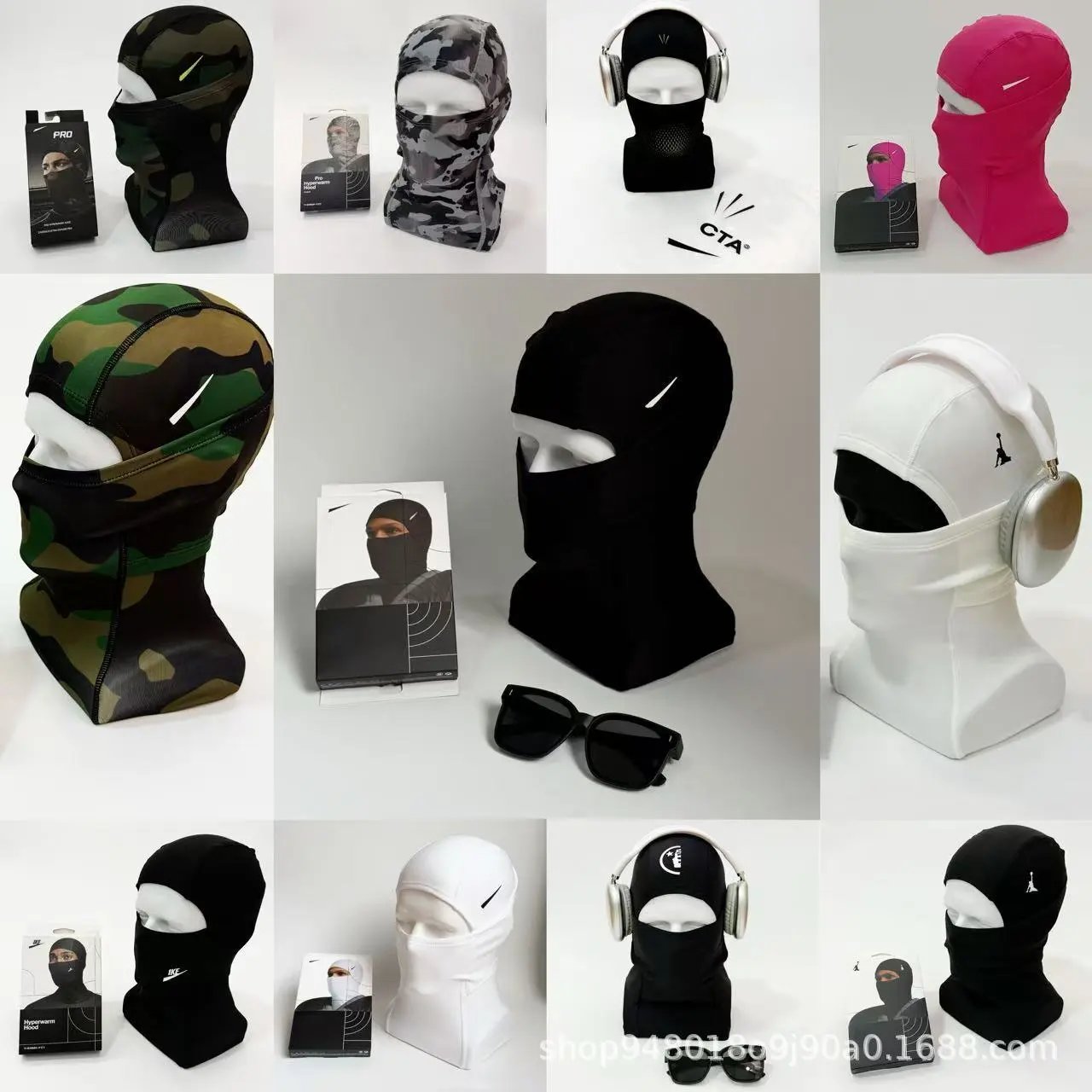
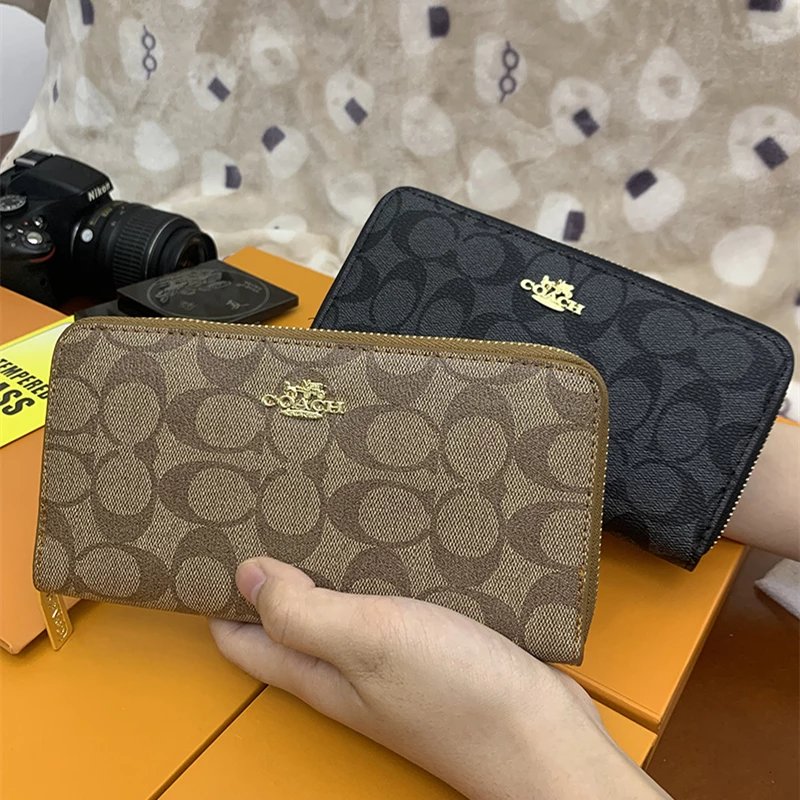
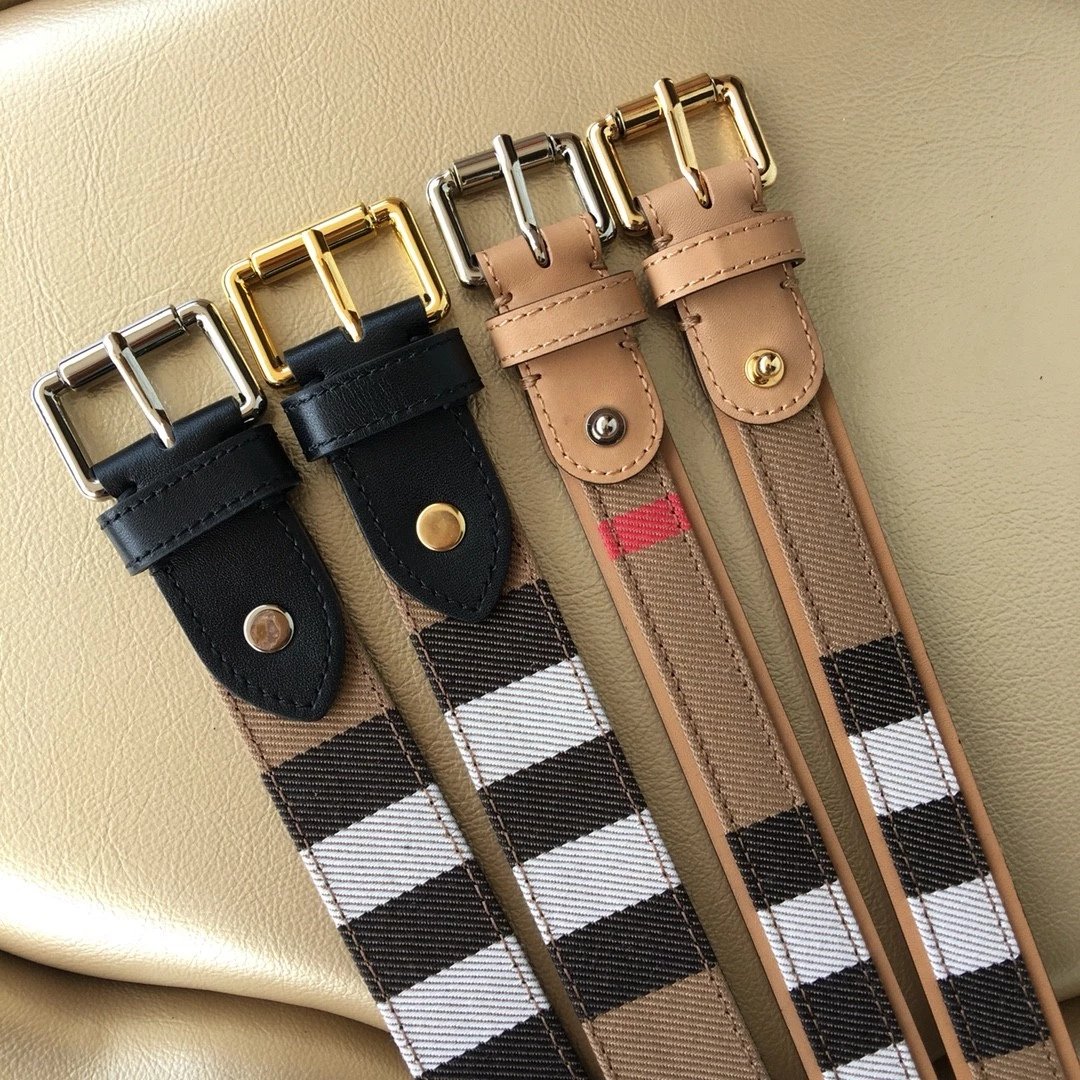
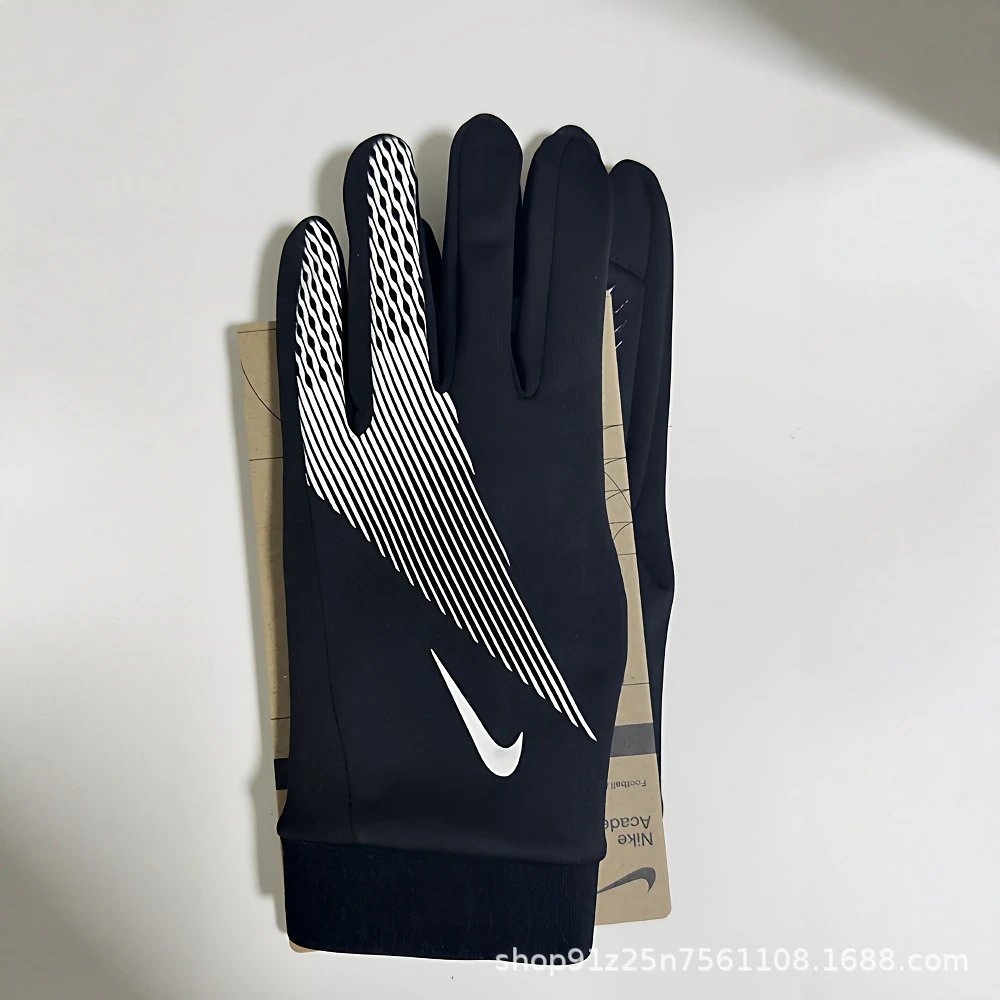

Start with a category
View allShoes
Sneakers and other footwear, with a closer look at uppers, profiles and soles in the available photos.
Tops
Hoodies, T-shirts and knits. Compare the pictured design and keep the exact source listing in view.
Bottoms
Trousers, shorts and more. Move into a specific type to compare photos and listed prices.
Outerwear
Jackets and outer layers, with available photo references for fastenings, seams and surfaces.
Sets
Coordinated pieces in one place. Check the seller listing for what each set actually includes.
Underwear
Everyday base layers. Review the photos, then check the precise options on Joyagoo.
Accessories
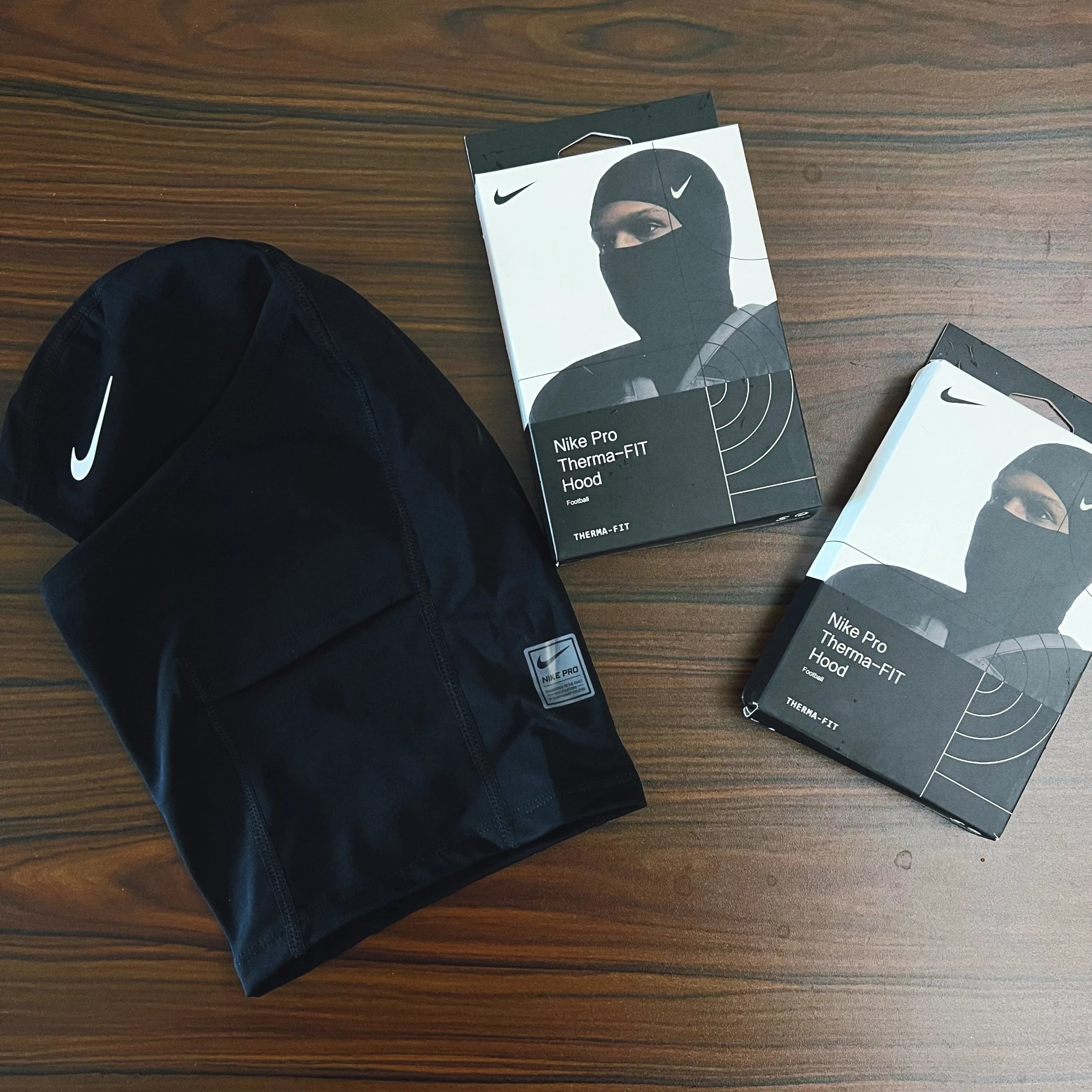
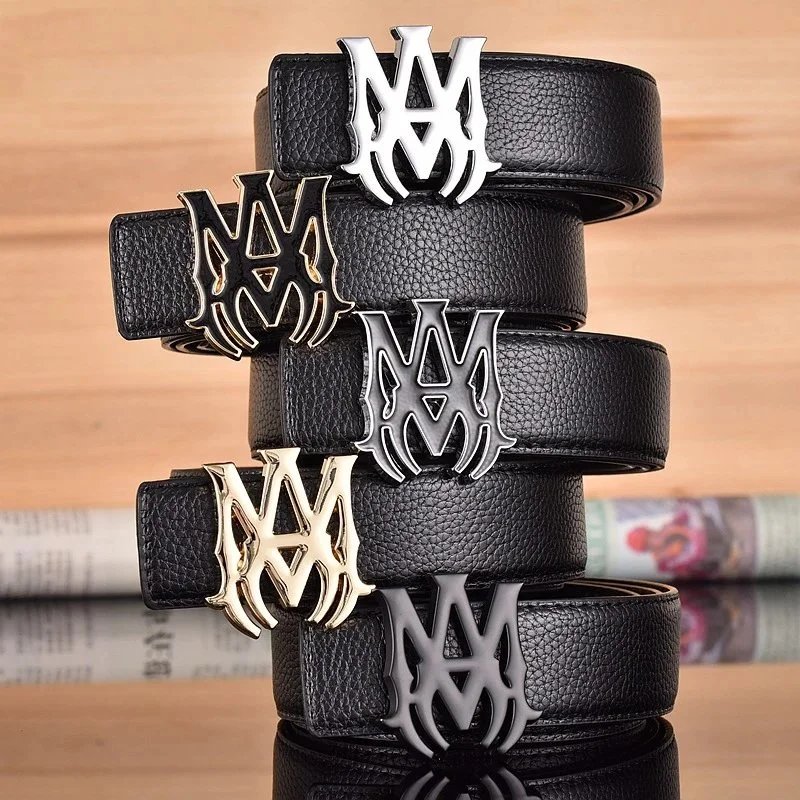
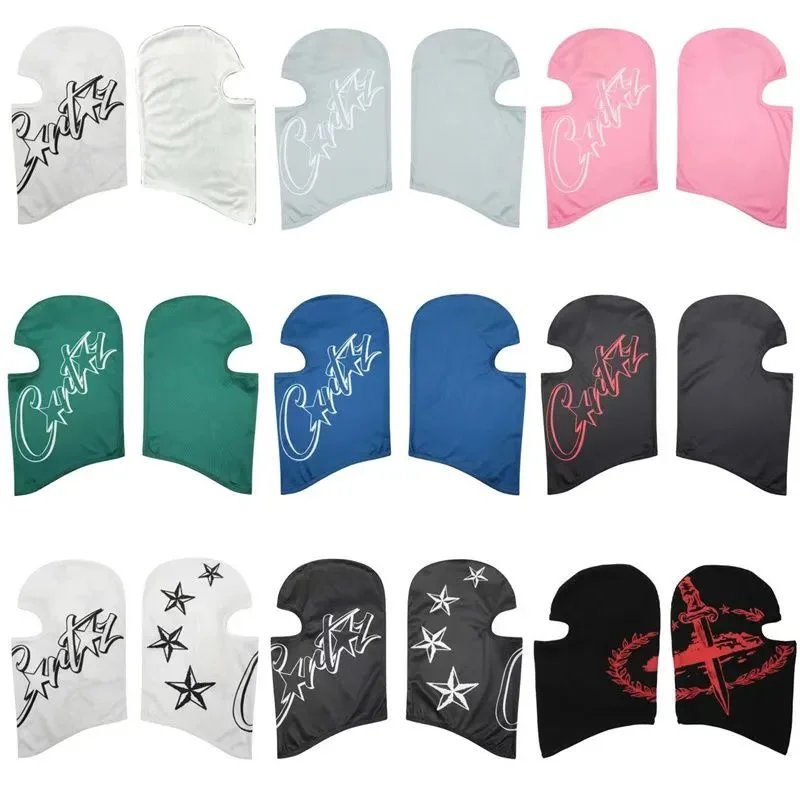
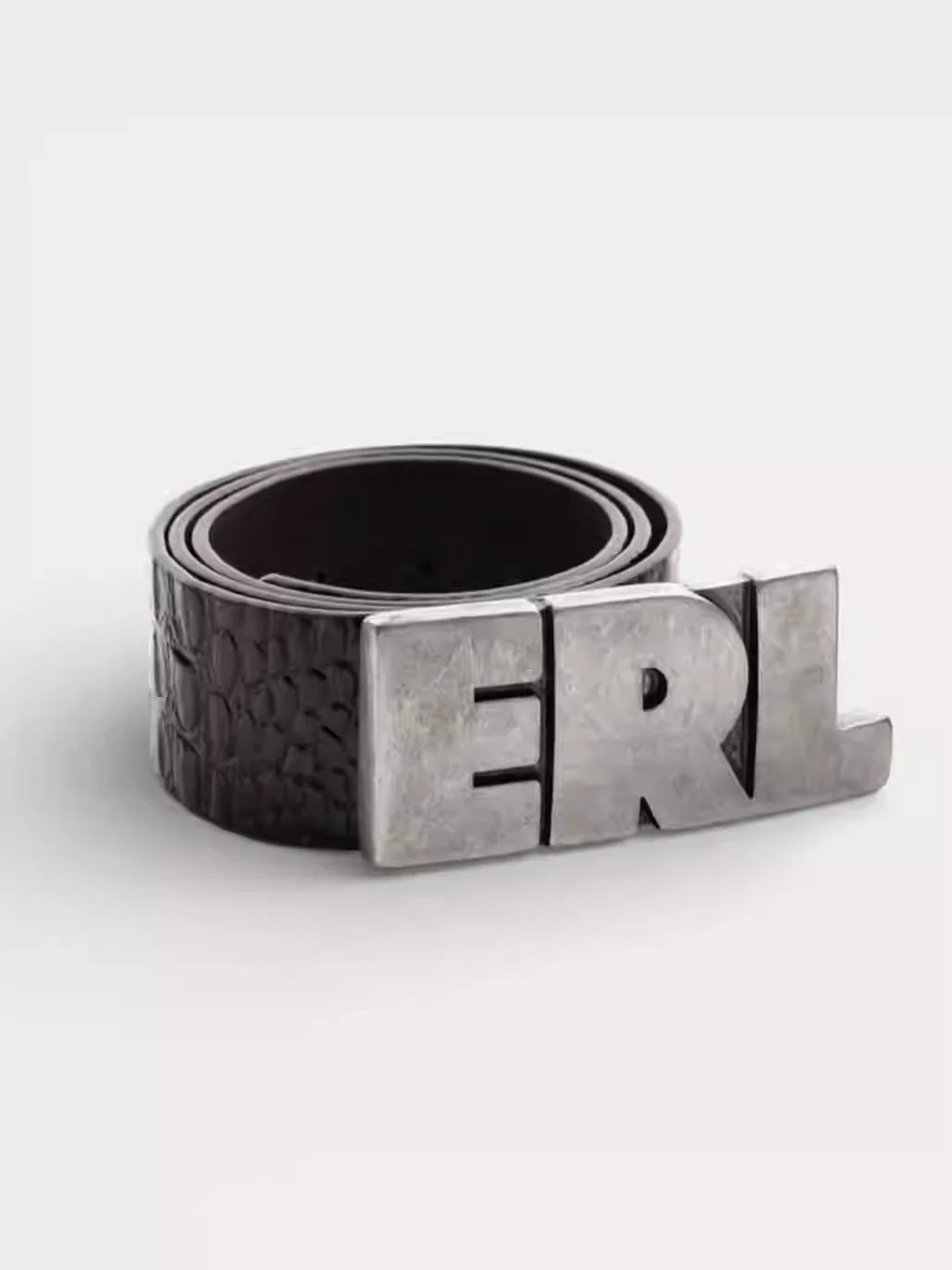
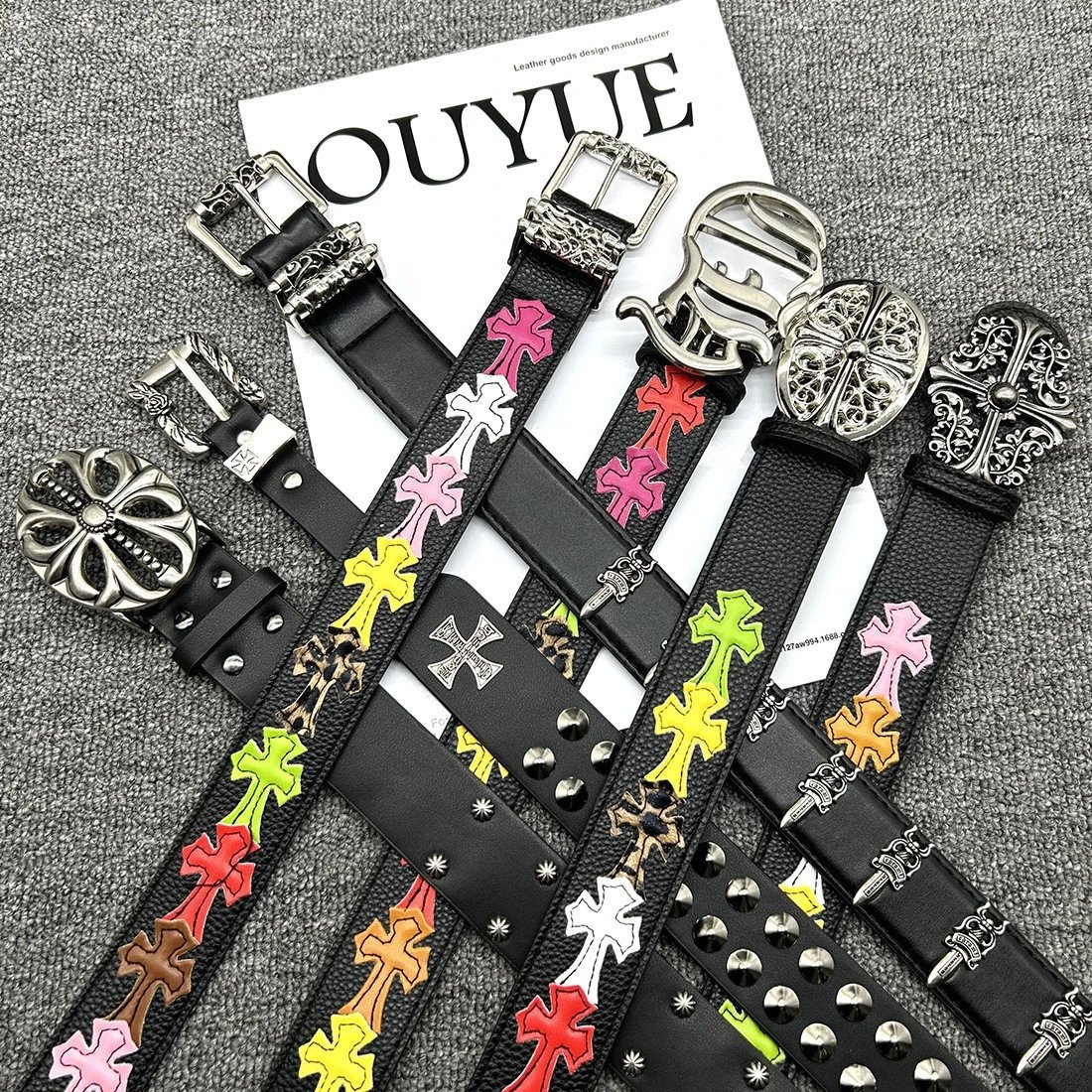
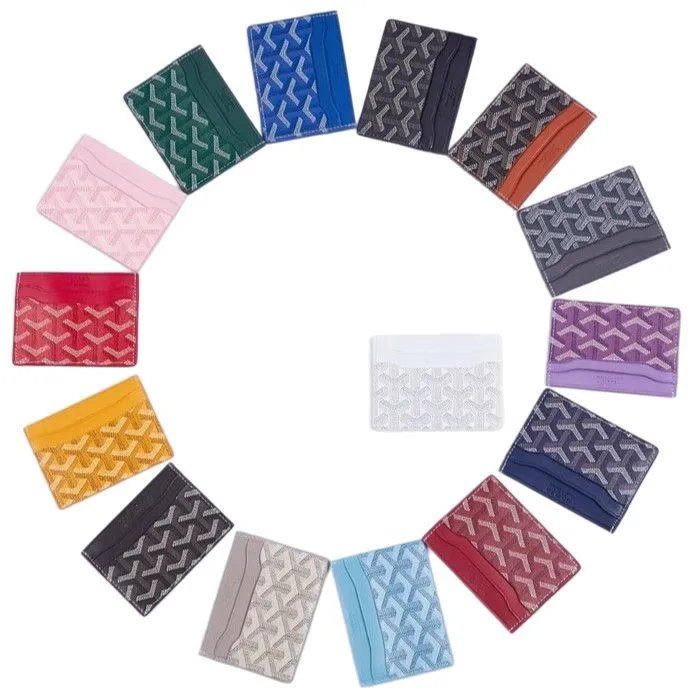
Bags, hats, watches and smaller finds. Pick a type and compare the source items side by side.
Electronics
Find a pictured item, then check its source for specifications and compatibility.
Other
More finds beyond the main clothing categories. Search by name or use a reference photo to narrow them down.
Get to know your spreadsheet
Finding a product
What can I find on Joyagoo Sheetz?
Joyagoo Sheetz brings product photos, source links and available QC references into a searchable spreadsheet. Start with a category, search for a particular design, or upload a reference photo when you do not know its name. Each detail page follows one source item so you can compare its pictures without confusing it with a similar listing. Use the Joyagoo link when you are ready to check the item on the official platform.
How can I narrow the spreadsheet?
Search with a short product name, then select a category or brand. Filters update immediately, and sorting helps you compare newer items or listed prices. The active conditions appear above the results and can be removed one at a time. Pagination keeps your search and remaining filters. Category pages also link to more specific types, so you can browse sneakers or hoodies without starting the search again.
What should I upload for photo search?
Use a clear photo with one main item and as little surrounding clutter as possible. Choose the file in the upload area; supported images can also be dropped or pasted there. Results are visual matches and may include similar designs from different source items. Open a result to check its seller pictures, source link and available QC. If the upload fails, keep the selected photo and use Retry, or choose a clearer image.
What do the displayed prices mean?
The first visit displays prices in US dollars. You can change currency from the header, and product prices update using the available exchange rates. Treat these amounts as a way to compare listings. A pictured style can have different order options, and selecting a thumbnail here previews its photo. Open the matching item on Joyagoo to confirm the option and current quotation before making a purchase.
Photos & pictured styles
How are seller photos different from QC photos?
The main gallery contains the listing pictures and pictured styles. QC appears in a separate area as existing inspection references associated with that source item. Those images can help you examine details, but they are not a new inspection of an order you have placed. Open a photo to look more closely and compare it with the seller pictures. Neither a photo match nor a reference inspection guarantees a future item.
Why does a product have no QC photos?
A listing can be available in the spreadsheet without an associated inspection reference. In that case its detail page says that there are no QC photos yet. Seller pictures remain available when supplied. Missing QC is not evidence that an item has passed or failed an inspection. Check the exact source listing, and use the official platform for questions about an order or the inspection of your own item.
Does clicking a style select it for an order?
No. The small image buttons change the main photo so you can compare pictured designs. Repeated images may be grouped to keep this area usable. This website does not submit an order, reserve stock or carry a selected option into checkout. After opening Joyagoo, check the item ID and select the actual size, color or other order options there. Use that page to confirm the price of the option you choose.
How do I inspect a photo more closely?
Click a main image or QC image to open the photo viewer. Use the available zoom and next-photo controls to compare details, then close the viewer to return to the listing. The picture area stays stable while styles change, and the full photo is available in the viewer. If a photo cannot load, retry or compare another available image; an unavailable image is not replaced with a fabricated reference.
Links & purchasing
How is the Joyagoo product link matched?
For a supported Weidian item, the purchase link carries its numeric source ID as id, shop_type=weidian and ref=300189539. For example, source item 7342784466 opens that same ID on Joyagoo. A similar name or picture does not establish the same source. Links are generated only when the source platform, original URL and item ID agree. The Joyagoo page is where you confirm whether the item can currently be ordered.
What can I do with Copy Weidian Link?
Copy Weidian Link copies the original seller URL from the detail page. Paste the complete link when comparing the source or opening it elsewhere. The numeric itemID identifies the source listing, so keep it intact. The button reports a successful copy or an error if browser clipboard access fails. Copying a link does not place an order, and two visually similar items can still have different seller URLs.
Where do registration and orders happen?
Join Joyagoo opens the official registration page with ref=300189539. The product button opens the matching supported item on Joyagoo. Create an account, select order options and manage orders on the official platform. Joyagoo Sheetz does not ask for your platform password or take payment. Before entering account information, check that the new page is on joyagoo.com and review the actual product shown there.
Is Joyagoo Sheetz an official Joyagoo service?
Joyagoo Sheetz is an independent guide with referral links. Registration and supported product links include our referral code, and a qualifying action may result in a commission. The footer discloses this relationship. It does not imply an official partnership, a guaranteed discount or item availability. Use the spreadsheet to compare products, then check the official platform for the current item and account details.